Add Captions and Emojis to your videos Online
Add captions, text labels, and emojis to your videos directly in your browser. No upload, no account. Perfect for TikTok, Instagram Reels, and YouTube Shorts.
Drop your video here, or click to browse
Supported formats: MP4, MOV, WebM, AVI, MKV, 3GP and moreHow to Add Captions to a Video Online for Free
Adding captions to your videos is now as easy as a few clicks. Upload your video, type your caption text, position it anywhere on the frame, then click 'Add to Video'. The caption is permanently embedded — no software needed, no upload to servers, entirely free and private in your browser.
Add Emojis to TikTok, Instagram Reels & YouTube Shorts
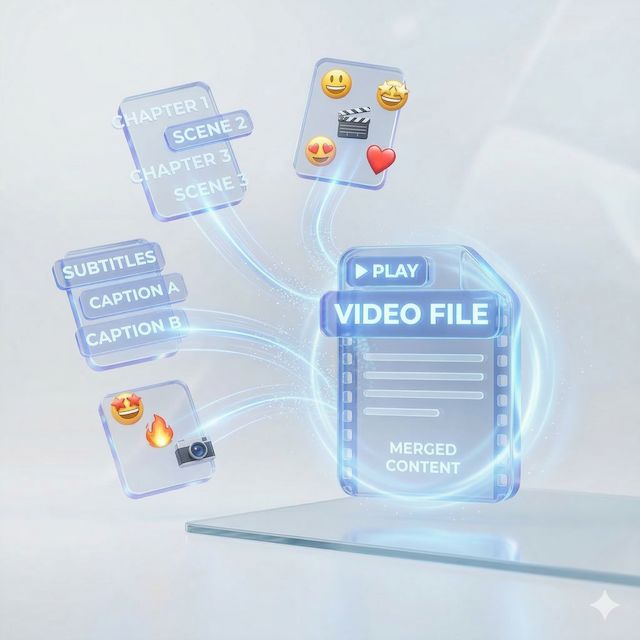
Want to make your social media videos pop? Use our emoji adder to place fire 🔥, hearts ❤️, stars ✨ and more directly onto your video. Perfect for TikTok reactions, Instagram Reels captions, and YouTube Shorts thumbnails. No apps required — just open your browser and start adding emojis.

Your Videos Never Leave Your Device
Unlike other online video editors, all processing happens 100% inside your browser using WebAssembly (FFmpeg.wasm). Your video is never uploaded to any server. This guarantees complete privacy — ideal for personal videos, work content, or any sensitive material you want to keep secure.

Works on Any Video — Fast and Easy
Our caption and emoji tool supports any standard video. The intuitive drag-and-drop editor lets you position captions exactly where you want them, adjust font size, pick text and background colors, and preview everything before exporting. Get your captioned video in minutes.

Free to Use — No Login or Signup Required
Our Video Caption & Emoji Adder is 100% free with no hidden fees. You do not need to create an account, log in, or provide any personal information. Just open the tool, upload your video, add your captions and emojis, and download the result instantly.